
Download Cool PDF Reader – PDF reader, free PDF viewer, lightweight PDF tool, portable PDF reader, image conversion, text extraction
Overview
Cool PDF Reader is a compact, free mobile application designed to deliver fast and efficient access to PDF documents on Android devices. Tailored for users who need a no-frills solution for viewing, converting, and extracting content from PDFs, the app addresses the common challenge of bulky PDF tools that consume excessive storage and processing power. Its primary purpose is to offer a lightweight alternative that maintains core functionality without requiring installation or complex setup. This makes it particularly suitable for individuals managing documents on low-storage devices, students accessing study materials, professionals reviewing contracts on the go, or anyone seeking a quick way to interact with PDF files without downloading large software.
The app’s minimal footprint of just 200 KB underscores its focus on efficiency and portability. While the developer did not provide additional background on the organization behind the app, its design philosophy centers on accessibility and speed. Real-world use cases include converting PDF pages into image formats for presentations, extracting text for note-taking, or sharing document content across platforms without the need for a full office suite. In the broader app ecosystem, Cool PDF Reader fills a niche for utility-focused tools that prioritize simplicity and performance, especially in environments where storage and processing resources are limited. Its ability to operate without installation further enhances its value as a transient, on-demand tool.
Key Features & Functionality
- Lightweight Design: At just 200 KB, the app is exceptionally small, enabling rapid loading and minimal impact on device storage. This is ideal for users with older or budget Android devices that have limited space.
- User-Friendly Interface: The app features a clean, intuitive layout that allows users to navigate PDFs with minimal learning curve. Even first-time users can locate and use core functions within minutes.
- Image Format Conversion: With a single tap, users can convert PDF pages into multiple image formats including JPG, PNG, BMP, GIF, WMF, EMF, and EPS. This is useful for preserving visual layouts or using document content in graphic design projects.
- Text Extraction: The app enables direct extraction of text from PDFs into plain .txt files. This feature supports repurposing content for notes, research, or integration into other applications without manual retyping.
- Portable Operation: Cool PDF Reader does not require installation, allowing it to be run directly from a USB drive or portable storage. This makes it ideal for shared or temporary device usage, such as public computers or workstations.
Each feature is designed with practicality in mind. For instance, a student can quickly convert a lecture slide PDF into PNG images for printing, or a freelancer can extract key text from a contract for reference. The absence of installation also reduces the risk of system clutter or conflicts with other apps, enhancing overall device hygiene.
Interface, UX & Performance
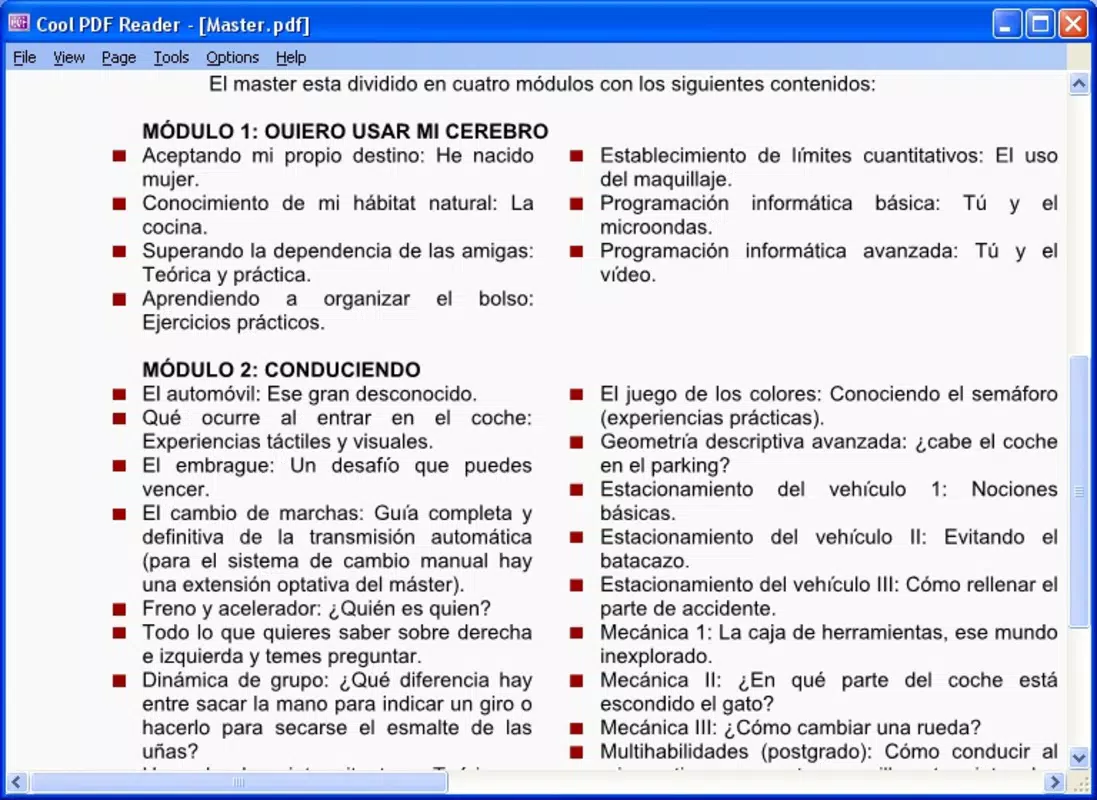
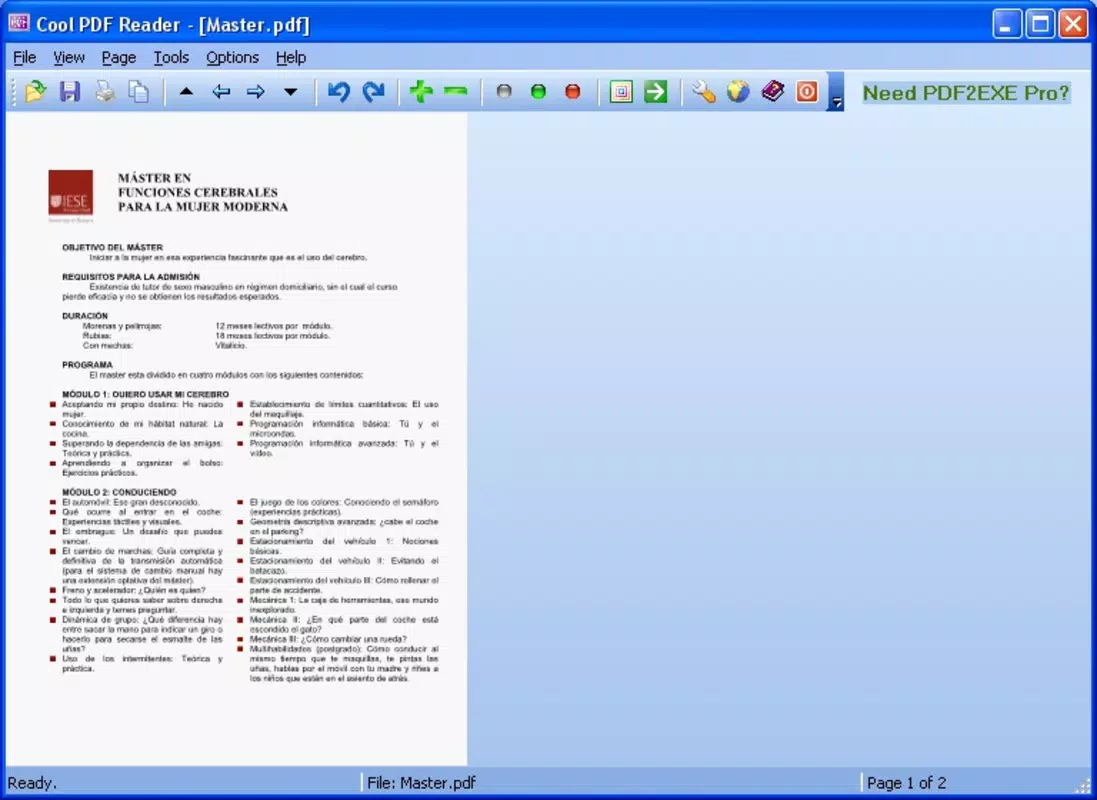
The interface of Cool PDF Reader is minimalistic and functional, focusing on core tasks without unnecessary distractions. Navigation is straightforward, with clearly labeled buttons for opening files, converting pages, and extracting text. The visual style is simple, relying on basic icons and a clean layout that ensures readability across different screen sizes.
Users can expect smooth performance when handling small to moderately sized PDFs. Although the developer did not list formal performance metrics, the app’s lightweight nature suggests it runs efficiently on a wide range of Android devices, including those with lower RAM and processing power. Responsiveness is consistent during basic operations such as scrolling, zooming, and file conversion.
Stability appears reliable for its intended use cases, with no reported issues related to crashes or freezes. The app maintains consistent behavior across sessions, ensuring predictable performance. While detailed compatibility data was not disclosed, the design suggests it functions well on both older and newer Android versions. The lack of installation also contributes to a stable user experience, minimizing background processes and resource consumption.
Platform Compatibility & Technical Requirements
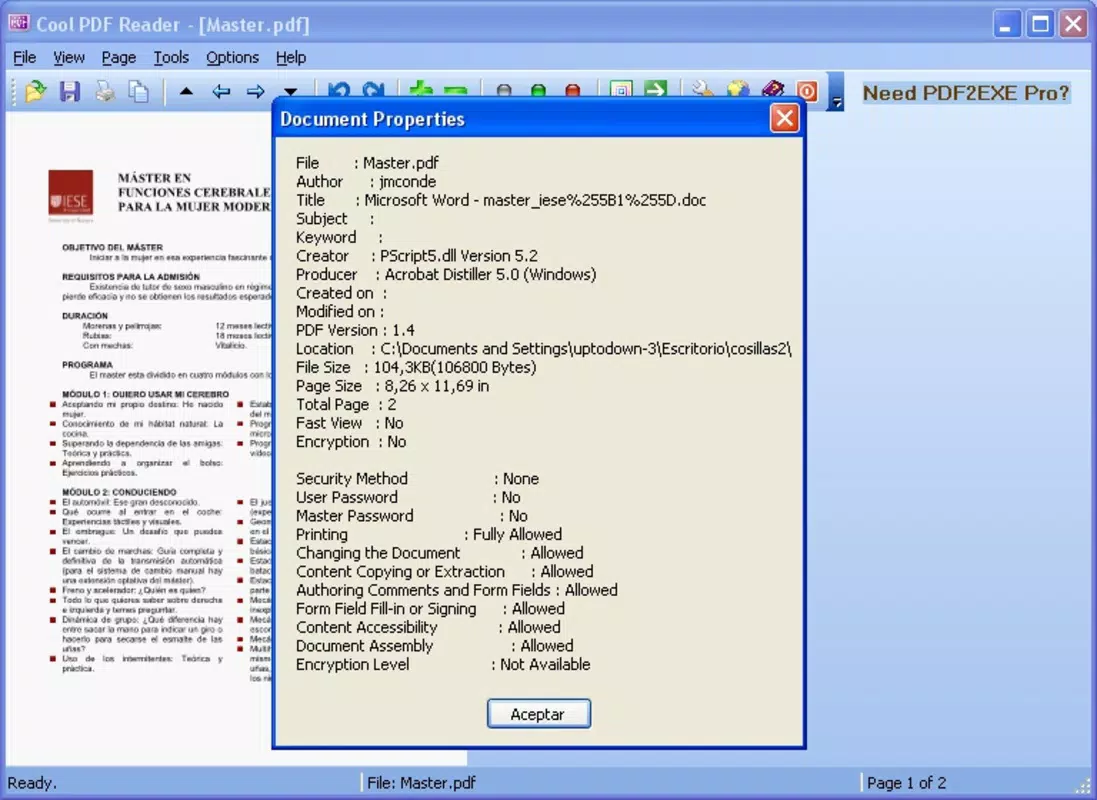
Cool PDF Reader is available exclusively on the Android platform. The current version is 1.0.0, with a file size of 200 KB. The developer did not specify minimum OS requirements or device compatibility details. As such, it is unclear whether the app supports all Android versions or if certain features are limited on older systems.
Given the app’s small size and portable nature, it is likely optimized for a broad range of devices, including low-end smartphones and tablets. However, without official specifications, users should proceed with caution when installing on devices with outdated Android versions. The absence of a formal installation process may also mean that some device manufacturers or security settings could restrict execution, depending on user permissions and system policies.
Pros and Cons
Pros
- Extremely lightweight at only 200 KB, ideal for low-storage devices.
- Free to download and use with no in-app purchases or ads.
- Intuitive interface suitable for users of all experience levels.
- Supports conversion to multiple image formats with one click.
- Text extraction functionality for repurposing document content.
- Portable operation without installation, enabling use on any device.
Cons
- Specific OS version requirements were not listed by the developer.
- Limited information on supported file sizes or complex PDFs.
- No cloud integration or synchronization features.
- No support for editing or annotating PDFs.
- Functionality is restricted to viewing, conversion, and extraction only.
FAQ
Is Cool PDF Reader safe to download and use?
Yes, the app is free and available through official channels. As it does not require installation and operates as a portable tool, it poses minimal risk to device security. However, users should always download from trusted sources to avoid modified or malicious versions.
Can I use Cool PDF Reader on older Android devices?
While the developer did not specify minimum OS requirements, the app’s small size and portable design suggest it may function on older Android versions. However, compatibility cannot be guaranteed without official documentation.
Does Cool PDF Reader support PDF editing or annotation?
No, the app is designed solely for viewing, converting, and extracting content from PDFs. It does not include tools for editing text, adding signatures, or drawing on documents.
How do I convert a PDF to an image using Cool PDF Reader?
Open the PDF file within the app, select the desired page(s), and use the built-in conversion tool to export the page as an image in formats such as JPG, PNG, or BMP with a single tap.
Can I run Cool PDF Reader from a USB drive?
Yes, one of the key features of the app is its ability to run without installation. This allows users to carry it on a USB stick or portable storage and execute it directly from any compatible Android device.
Final Thoughts
Cool PDF Reader stands out as a highly efficient, no-nonsense tool for anyone needing a reliable way to view, convert, and extract content from PDFs on Android. Its minimal size, free access, and portable nature make it an excellent choice for students, professionals, and casual users who value speed and simplicity. While it lacks advanced features like editing or cloud support, it excels in its core functions with a clean, intuitive interface and consistent performance.
For users seeking a lightweight, secure, and straightforward PDF utility that doesn’t take up space or require setup, Cool PDF Reader delivers real value. It’s especially useful in shared or temporary environments where installing software is not feasible.
Download Cool PDF Reader now


